
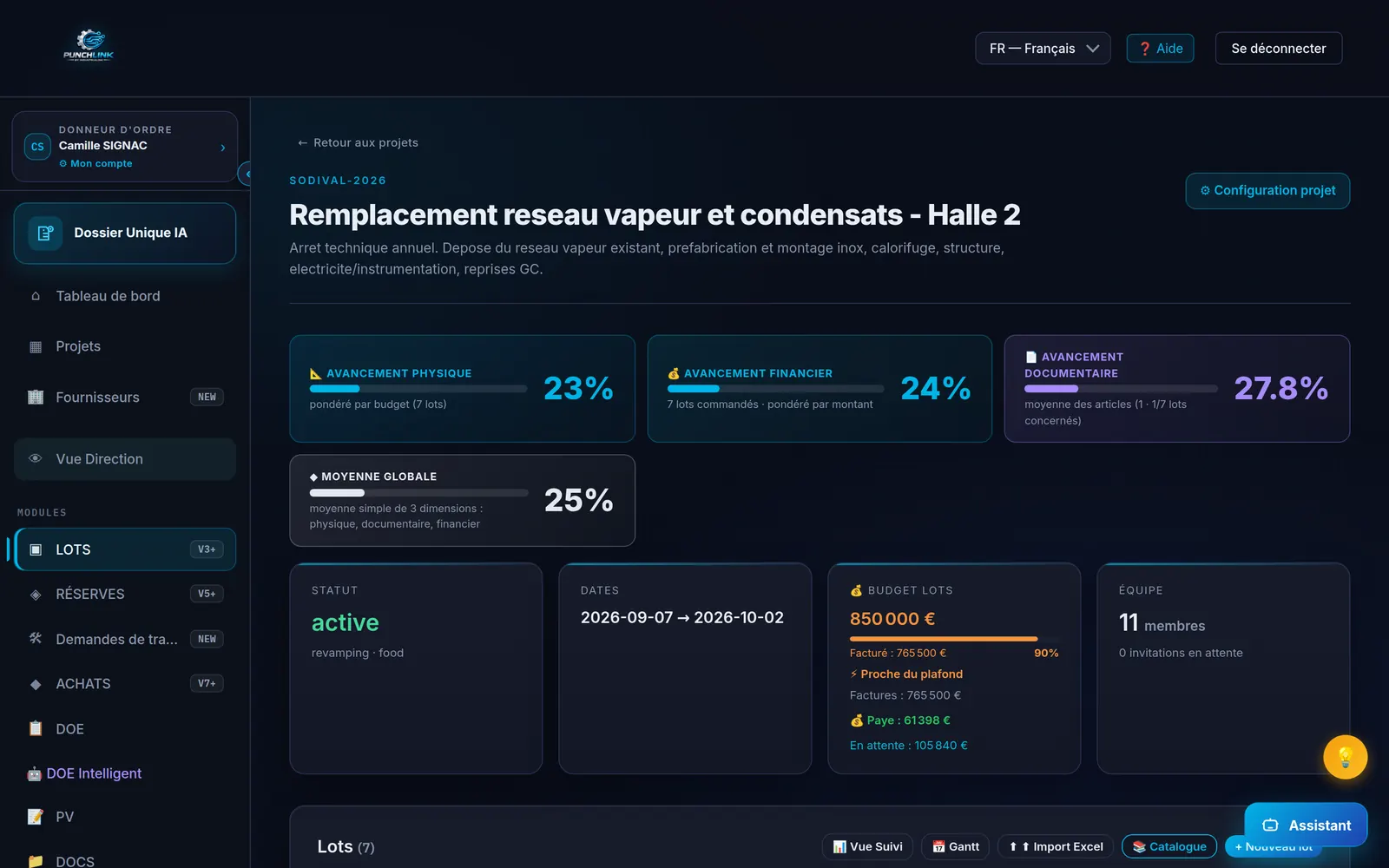
Live screenshot — PunchLink project view (demonstration project: physical, financial and documentary progress, budget, punch items)
Why this comparison exists
When a project team wants to stop e-mailing spreadsheets, Microsoft Lists is often the first idea: it is already paid for with Microsoft 365, it takes minutes to set up and it is shared in Teams.
For a simple action list, it is a good idea. The question arises when the list has to carry an industrial project: external contractors, punch items that condition a payment, documents to gather for handover, site teams without network.
What Microsoft Lists does well
- Already included in most Microsoft 365 subscriptions, with no extra purchase.
- Very flexible: free columns, views, filters, conditional formatting.
- Built into Teams and SharePoint, where many teams already work.
- Simple rules: notify someone when a value changes. Beyond that, Power Automate is needed.
What PunchLink does differently
- The whole project in one place: documents, exchanges, actions, punch items, changes, progress and invoicing, linked together.
- On site, even without network: installable app, offline entry with photo. Microsoft retired the Lists mobile apps for iOS and Android in November 2025; access is through the browser or Teams.
- A punch item has consequences: retention on the payment claim (NF P 03-001 logic), photo evidence at close-out.
- External contractors are invited by e-mail at no cost, without depending on the Microsoft tenant's guest policy.
- The as-built file is built during the project, and every action is time-stamped in an audit log.
Comparison matrix
| Criterion | Microsoft Lists | PunchLink |
|---|---|---|
| Included in an existing Microsoft 365 subscription | ✓ | — |
| Free-form lists, custom columns at will | ✓ | ◐ |
| Dedicated mobile app (iOS / Android) | — | ✓ |
| Offline entry on site, with photo | — | ✓ |
| Mandatory photo evidence when a punch item is closed | ◐ | ✓ |
| Payment claims and retentions following NF P 03-001 | — | ✓ |
| Blocking punch item automatically reflected in the net amount due | — | ✓ |
| As-built file built during the project, completeness checked per package | — | ✓ |
| External contractors invited at no cost, without a Microsoft account | ◐ | ✓ |
| Time-stamped audit log of every action, 10-year retention (Archive option) | ◐ | ✓ |
| Built-in reminders, overdue follow-ups and notifications, nothing to build | ◐ | ✓ |
✓ covered · ◐ partial, or possible with Power Automate, Power Apps or specific configuration · — not covered. Based on Microsoft's public documentation.
When to choose Microsoft Lists
If you need an internal shared list (meeting actions, simple requests), without external contractors, with no link to payments and no offline use on site: Lists is simple, already paid for, and enough.
When to choose PunchLink
If the list has to carry an industrial project: external contractors, punch items that condition a payment, documents to gather for handover, site teams without network, history to keep for ten years. PunchLink keeps the spirit of a single action list and adds everything that keeps the project alive.
Frequently asked questions
Is Microsoft Lists enough to track the actions of an industrial project?
For an internal action list, yes. As soon as external contractors are involved, punch items condition a payment or an as-built file must be ready at handover, a lot has to be built around Lists (Power Automate, Power Apps, SharePoint). PunchLink does it natively.
Does the Microsoft Lists mobile app still exist?
Microsoft retired the Lists mobile apps for iOS and Android in November 2025. Lists remain available from the phone's browser or from Teams. PunchLink installs on the phone and works offline.
Does PunchLink work with Microsoft 365?
Yes: Outlook e-mails can be dropped into PunchLink (.msg, .eml) and renamed according to your rule, exports come out in Excel and Word, and Copilot can query the project through the included MCP connector.
Do my contractors need a Microsoft account?
No. They are invited to the project by e-mail, at no cost and without a Microsoft account; they only see what concerns them.
Sources

Compare PunchLink to your current tool
30 minutes of personalized demo on your industrial project type. No generic presentation — we start from your real context and the tool you use today.