
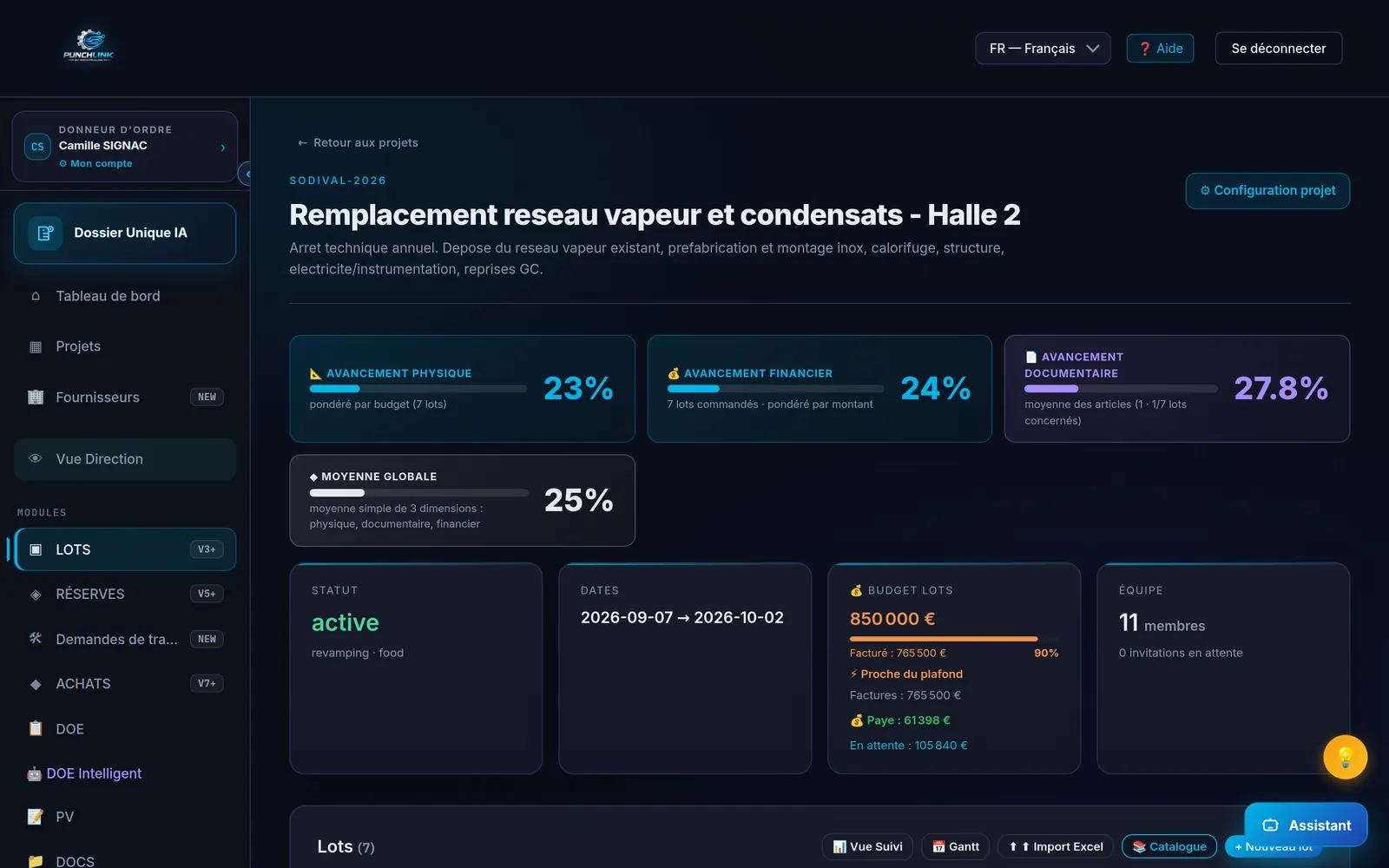
Live screenshot — PunchLink project view (demonstration project: physical, financial and documentary progress, budget, punch items)
Why this comparison exists
Fieldwire, published by Hilti, and Bluebeam Revu, published by the Nemetschek Group, are two references of the construction jobsite. The first is a mobile jobsite coordination app: drawings viewable on any device, tasks and punch items placed on the drawing, inspections with photos, forms, PDF reports. The second is the reference application for marking up, measuring and collaborating on PDF drawings. Industrial project managers regularly ask us whether they do the same thing as PunchLink.
The honest answer is no: they are not competitors, they are tools for a different step. They manage the punch item. PunchLink manages what the punch item costs and what it blocks.
What Fieldwire and Bluebeam do well
- Fieldwire — the punch list on the drawing: every item is pinned to a location on the drawing, with photos, category, due date, and dispatched to the relevant subcontractor. Automatic PDF reports, tasks tracked from mobile, offline work.
- Fieldwire — jobsite coordination: drawing versioning, digital forms (daily reports, inspection requests), task-linked messaging, short-term scheduling.
- Bluebeam Revu — the reference PDF markup: markup tools set to drawing scale, length, area and volume measurements, customisable Tool Chest, batch processing of drawing sets.
- Bluebeam Studio — collaboration on drawings: real-time review sessions, document check-in / check-out, version history.
- Bluebeam — the punch list on PDF: punch symbols placed directly on the drawing, statuses, filters by space, export to PDF, CSV or XML.
Within this scope they are legitimate and far more advanced than PunchLink. But this scope stops at the drawing.
What Fieldwire and Bluebeam do not cover on an industrial project
1. The progress claim and retentions
Neither knows the progress claim of a lot in the sense of the French standard NF P 03-001: gross amount, progress, retention on punch items, retention guarantee, net payable. A Fieldwire or Bluebeam punch item is a task to close; it has no value in euros and blocks no payment. PunchLink computes the retention from the lot's blocking punch items, includes it in the claim, and requires a signed justification for any 100 % payment despite open punch items.
2. The chain punch item → retention → payment → warranty
In PunchLink a punch item is not a list entry but a link: it is attached to a purchase order and a lot, it weighs on the progress claim, it conditions acceptance, it feeds the making-good warranty. This continuous, time-stamped, signed thread does not exist in a tool whose object is the drawing.
3. The as-built file compiled continuously
Fieldwire produces punch list reports and annotated as-built drawings. Bluebeam produces annotated PDF sets. Neither compiles an industrial as-built file (DOE): test records, material certificates, datasheets, manuals, attestations, filed by purchase order and by equipment throughout the project. PunchLink does it from the purchase order, not the day before acceptance.
4. Commissioning, records and acceptance
Fieldwire offers generic forms and inspections; Bluebeam has no notion of a test. An industrial project requires test, commissioning and acceptance records attached to each piece of equipment, with the punch items that result from them. PunchLink structures this sequence and its contractual consequences.
5. HSE and third-party bodies
Worker qualifications, work permits, toolbox talks, punch items issued by an inspection body that only the issuer can close: these are business objects in PunchLink, not markups on a drawing.
6. Retention of records and hosting
An industrial file must remain accessible long after acceptance. PunchLink keeps evidence for 10 years, on servers located in the European Union by default. For Fieldwire and Bluebeam, retention period and hosting region depend on the plan and the contract.
What about drawing markup? Let's be frank
PunchLink does no graphical markup on drawings. A PunchLink punch item is located by area, equipment or tag, described with a photo, and its closure by the contractor requires a counter-photo. If your site needs to pin hundreds of points on floor plans, keep Fieldwire or Bluebeam for that. PunchLink takes over the moment the punch item must be priced, retained, paid and archived. Both can coexist on the same project, each in its place.
Comparison matrix
| Criteria | Fieldwire · Bluebeam | PunchLink |
|---|---|---|
| Punch items pinned on the drawing (graphical punch list) | ✓ | — |
| PDF markup and measurement (drawings, takeoffs) | ✓ | — |
| Punch items with mandatory counter-photo at closure | ◐ | ✓ |
| Progress claims and retentions per NF P 03-001 | — | ✓ |
| Retention computed automatically from blocking punch items | — | ✓ |
| As-built file (DOE) compiled continuously, from the purchase order | — | ✓ |
| Commissioning, test and acceptance records | ◐ | ✓ |
| Making-good warranty tracked after acceptance | — | ✓ |
| EHS: qualifications, permits, toolbox talks | ◐ | ✓ |
| MCP connector included (Claude, ChatGPT, Copilot, Cursor) | — | ✓ |
| EU hosting by default | ◐ | ✓ |
| Interface in 6 languages with punch item translation | ◐ | ✓ |
| Contractors invited for free, no per-user licence | ◐ | ✓ |
| Offline mode in the field | ✓ | ✓ |
| Evidence kept for 10 years | ◐ | ✓ |
✓ native · ◐ partial or plan-dependent · — not covered to our knowledge (vendors' official websites consulted in September 2026; check with the vendor for your contract).
When to choose Fieldwire or Bluebeam
If your project is a building or civil works site where the drawing is the central document, if your teams need to mark up, measure and pin punch items on PDF drawings, if lot payments are managed elsewhere and do not depend on the state of the punch items: Fieldwire or Bluebeam are probably the right choice.
When to choose PunchLink
If you run an industrial project with several contractor lots, if every punch item must have a consequence on the progress claim, if the as-built file must be compiled continuously and kept for 10 years, if your contractors speak 6 languages and must be invited without a licence, if you want to query your project from Claude, ChatGPT, Copilot or Cursor through the included MCP connector: PunchLink was designed for you. 30-day trial, no credit card.
Frequently asked questions
Does PunchLink replace Fieldwire or Bluebeam?
Not for drawing markup. If your teams live in the PDF drawing, Fieldwire or Bluebeam remain the right tools for that. PunchLink takes over where they stop: the punch item becomes a priced retention, a progress claim line, a piece of the as-built file and a warranty item. Both can coexist on the same project.
Can I pin a punch item on a drawing in PunchLink?
No. PunchLink has no graphical markup on drawings. A PunchLink punch item is located by area, equipment or tag, described with a photo, and its closure by the contractor requires a counter-photo. This is a deliberate choice: evidence and financial consequence come before the drawing.
Why does the progress claim change everything?
Because an unpriced punch item carries no contractual weight. In PunchLink, the blocking punch items of a lot feed directly into the retention of the progress claim, following the logic of the French standard NF P 03-001: net = gross × progress − retention on punch items − retention guarantee. The contractor knows exactly what the punch item costs and when payment will be released.
Is the as-built file really compiled continuously?
Yes. Every test record, certificate, datasheet or closure photo is filed in the as-built file (DOE) the moment it is produced, linked to the purchase order and the equipment. At acceptance the file already exists; it is not rebuilt afterwards from punch list exports.
Does our data stay in Europe?
PunchLink is hosted in the European Union by default, with evidence kept for 10 years with the Archive option. For Fieldwire and Bluebeam, the hosting region depends on the plan and the contract; check with the vendor.

Compare PunchLink to your current tool
30 minutes of personalized demo on your industrial project type. No generic presentation — we start from your real context and the tool you use today.